Published Stream Deck Product
CS2 Companion
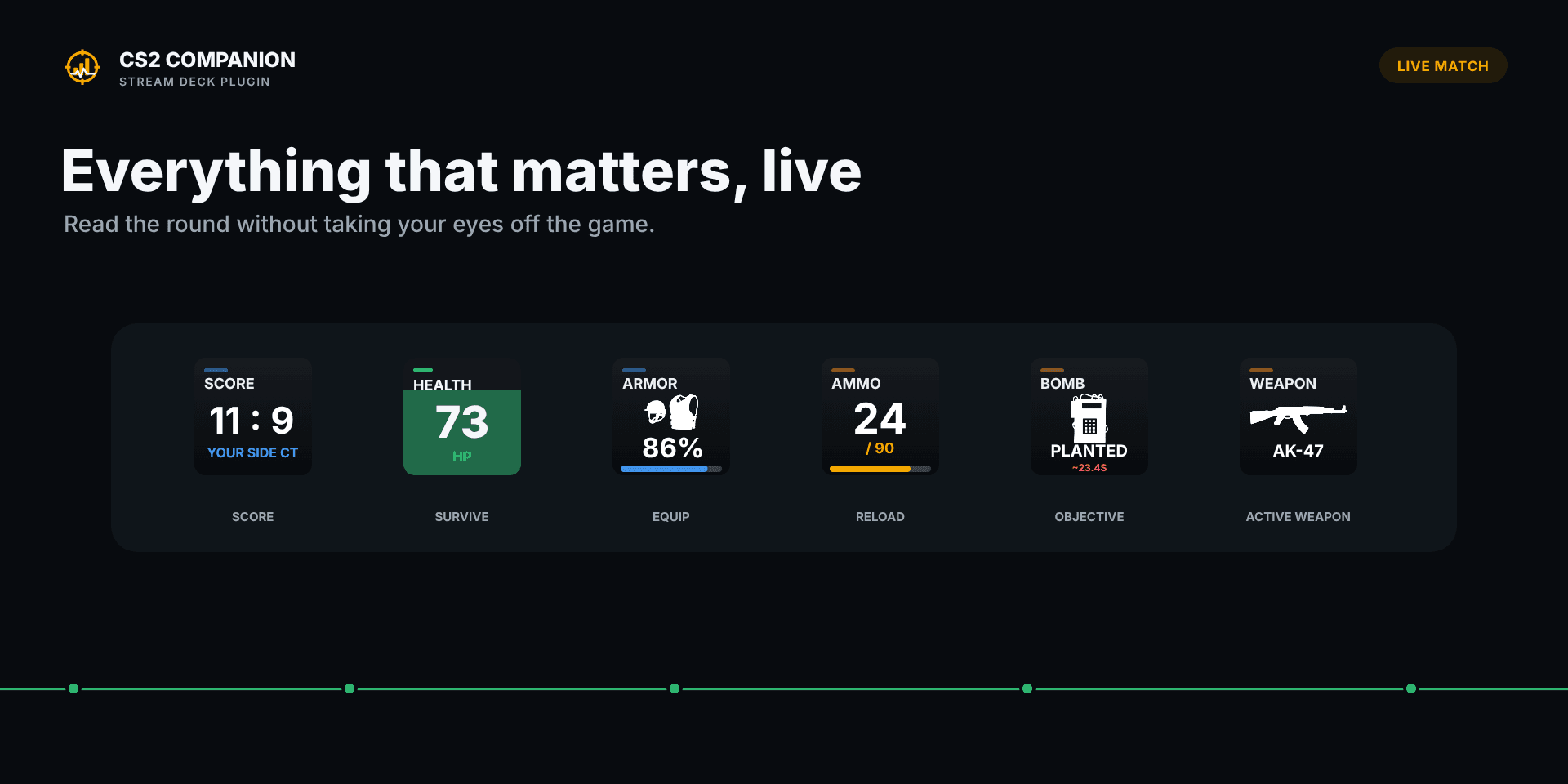
CS2 Companion turns a Stream Deck into a persistent, glanceable view of a Counter-Strike 2 match. It surfaces the state that normally requires returning to the game or opening another service, while keeping the core experience local and available even when the game is not the active window.
Status
active
Period
2026—Now
Context
Independent Stream Deck plugin
The challenge
Counter-Strike exposes useful live state, but that information is designed for the active game rather than a small secondary control surface. The product needed to translate a changing match payload into keys that remain legible at a glance, respond to different match phases, and continue to be useful when the player is tabbed out.
Operating constraints
- Stream Deck keys provide limited space, so each action needs a clear hierarchy and useful fallback state.
- Game State Integration exposes different values depending on the current round, player state, and spectating context.
- Setup must not require game injection, modification, or manual configuration beyond installing the plugin and restarting CS2.
- Provider credentials and local match history must remain on the user's machine.
The approach
The plugin treats CS2's local Game State Integration feed as a stream of partial state rather than one fixed dashboard response. Each Stream Deck action selects the relevant value, presentation, and unavailable state for its key, while session tracking accumulates useful performance context locally. Optional provider integrations enrich that local view without becoming a dependency for the core product.
System outline
01
Automatic local Game State Integration setup connects CS2 to the plugin without modifying gameplay.
02
A normalized match-state layer feeds health, armor, weapon, economy, score, phase, timer, bomb, and performance actions.
03
Local session state tracks performance across matches without requiring a cloud account.
04
Optional FACEIT and Leetify clients add supported ratings and performance metrics in the Pro edition.
05
Compatible game artwork is resolved from the local CS2 installation and rendered at runtime rather than redistributed.
06
Stream Deck actions turn focused state slices into responsive key layouts with configurable labels, colors, precision, and time periods.
Selected decisions
01
Design for a glance, not a dashboard
Each key prioritizes one piece of match state with configurable labels, color, precision, and time period instead of compressing a full statistics screen into a tiny tile.
02
Keep the core path local
Live game state and session history work without a hosted account, reducing setup friction and keeping match data on the player's machine.
03
Treat absence as a real state
Values are shown only when CS2 or a connected provider can support them; match phase, spectating context, and provider processing are handled explicitly rather than represented as misleading zeroes.
04
Separate enrichment from dependency
FACEIT and Leetify extend the product in Pro, but the Stream Deck's live CS2 view remains useful without either provider.
The result
CS2 Companion and CS2 Companion Pro are published on the Elgato Marketplace with automatic local setup, live match actions, local session tracking, responsive Stream Deck artwork, and optional FACEIT and Leetify enrichment. The result is a compact second surface for understanding a match without turning the plugin into gameplay automation or another mandatory cloud service.